

An AIMarkt bot versus copy trading on Bitget
Copy trading follows another trader
With copy trading on Bitget, you copy another user’s positions and their risk choices. That trader’s past results provide no certainty about the future.
A bot follows your fixed rules
An AIMarkt bot follows the rules defined during installation for your markets and budget. You therefore know in advance which instruments and position sizes are permitted.
Setting up a Bitget API key
Read and trade, withdrawals disabled
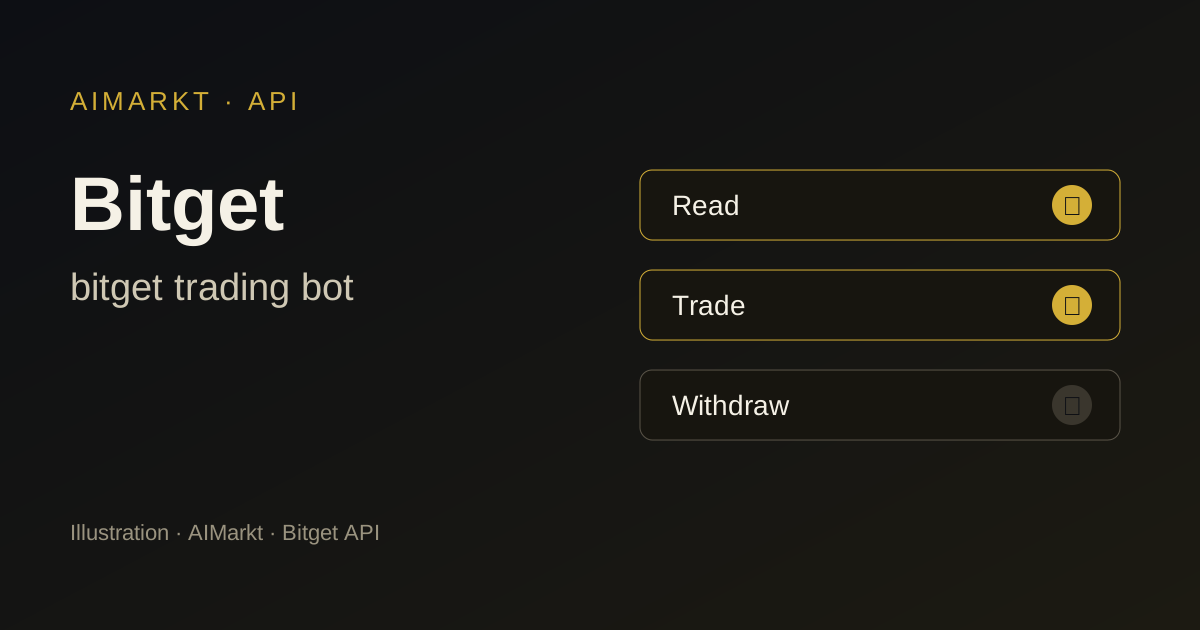
A Bitget API key has a passphrase and permissions such as read-only or read-write, with separate choices for spot and futures. Leave withdrawals and transfers disabled so that the bot can only place orders.
Bind IP addresses to the key
Bitget lets you bind IP addresses to a key. Use your bot’s addresses so that the key will not work elsewhere. Our glossary article explains exactly what IP whitelisting does.
Points to consider on Bitget
Futures and leverage require discipline
Bitget futures use leverage, and excessive leverage can quickly liquidate a position. You set the leverage yourself; the bot follows the agreed position size but cannot rule out losses.
Check registration and available products
Bitget is not registered for every product in every country. Consult the ESMA register and information from FSMA or AFM, and confirm which markets are available for your account before paying.
Which AIMarkt model suits Bitget?
Nova — 1.500 USDT
Nova scans 1 market, for example BTC/USDT.
Orion — 3.000 USDT
Orion scans 3 markets at once, for example BTC/USDT, ETH/USDT, SOL/USDT.
Titan — 5.000 USDT
Titan scans 5 markets at once, for example BTC/USDT, ETH/USDT, SOL/USDT, BGB/USDT, XRP/USDT.
Apex — 10.000 USDT
Apex scans 10 markets at once, for example BTC/USDT, ETH/USDT, SOL/USDT, BGB/USDT, XRP/USDT, DOGE/USDT, ADA/USDT, LINK/USDT, AVAX/USDT, LTC/USDT.
Sovereign 24/7 — 20.000 USDT
Sovereign 24/7 scans unlimited markets across your connected platforms.
If you only want to trade spot on Bitget, start with Nova or Orion. Titan and Apex are intended for combining spot and futures with more automation and less manual monitoring, always with leverage that you limit yourself.
Getting started with a Bitget trading bot
- Choose your robot and support plan.
- Enter your details and select Bitget as your exchange.
- Confirm the terms and risks, pay in crypto and email your proof of payment to onboarding@aimarkt.be.
- You get client-area access within 48 hours of approval and payment; your custom robot is ready within 7 working days. You create the API key without withdrawal rights yourself, following the installation instructions.
Bitget trading bot: frequently asked questions
Is an AIMarkt bot the same as copy trading on Bitget?
No. With copy trading, you follow another trader; an AIMarkt bot follows fixed rules configured for your markets.
Do I have to use futures on Bitget?
No. The bot can also trade spot pairs only. Futures and leverage are a deliberate choice that increases risk.
Can the bot withdraw my Bitget balance?
No. You create the API key without withdrawal permission; you always make withdrawals yourself.
Further reading
- Step-by-step guide: What is API whitelisting? IP restriction for your trading bot
- Crypto trading bot
- Futures trading bot
- All markets
- All exchanges
Other exchanges
Sources
Illustration; not a screenshot of Bitget and not a trading result. AIMarkt is not affiliated with Bitget; trademarks belong to their owners. Trading carries a risk of loss and AIMarkt does not provide financial advice.