

An AIMarkt bot or KuCoin’s built-in bots?
Standard bots follow a fixed template
KuCoin’s built-in bots, such as grid and DCA bots, use a template that you complete yourself. This is convenient, but every setting and market choice is then your responsibility.
A custom configuration
An AIMarkt bot is configured individually for each customer’s chosen markets, with fixed rules for entries, exits and position sizes. Higher models add more analysis and automation. Neither approach guarantees profit.
Setting up a KuCoin API key
General and spot, no withdrawals
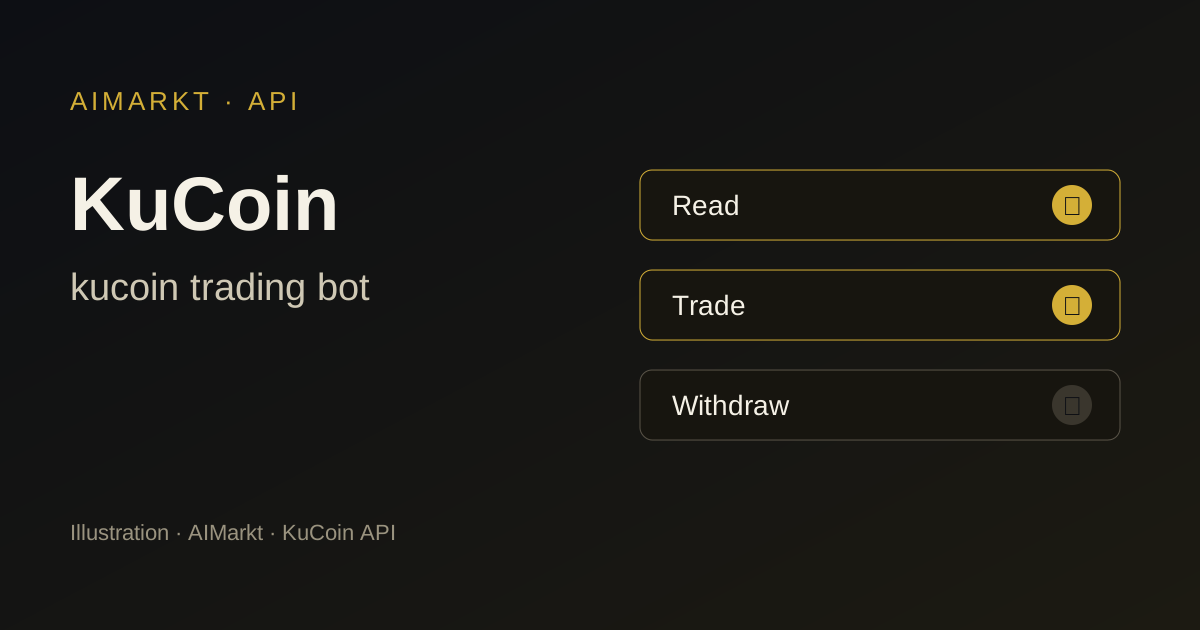
A KuCoin API key has its own passphrase and separate permissions, such as general (read), spot trading, margin, futures, transfer and withdrawal. Grant only the permissions your configuration needs, and leave withdrawal and transfer disabled.
IP restrictions and a subaccount
Restrict the key to the IP addresses provided during installation and consider a subaccount with its own trading budget. This keeps the rest of your balance separate from the bot.
Points to consider on KuCoin
Small altcoins, thin order books
A wide range of altcoins also means markets with low volume. Spreads can be wide, and a single order can move the price. Scanning more markets only helps if those markets have enough liquidity.
Check whether KuCoin may operate in your country
KuCoin is not registered or authorised in every country. Look up its name in the ESMA register and the FSMA and AFM warning lists before depositing funds.
Which AIMarkt model suits KuCoin?
Nova — 1.500 USDT
Nova scans 1 market, for example BTC/USDT.
Orion — 3.000 USDT
Orion scans 3 markets at once, for example BTC/USDT, ETH/USDT, SOL/USDT.
Titan — 5.000 USDT
Titan scans 5 markets at once, for example BTC/USDT, ETH/USDT, SOL/USDT, KCS/USDT, XRP/USDT.
Apex — 10.000 USDT
Apex scans 10 markets at once, for example BTC/USDT, ETH/USDT, SOL/USDT, KCS/USDT, XRP/USDT, ADA/USDT, DOGE/USDT, AVAX/USDT, LINK/USDT, INJ/USDT.
Sovereign 24/7 — 20.000 USDT
Sovereign 24/7 scans unlimited markets across your connected platforms.
On KuCoin, a higher model may make sense if you want to scan several liquid altcoins, for example Apex with ten markets. For one major pair such as BTC/USDT, Nova is sufficient, with daily manual setup.
Getting started with a KuCoin trading bot
- Choose your robot and support plan.
- Enter your details and select KuCoin as your exchange.
- Confirm the terms and risks, pay in crypto and email your proof of payment to onboarding@aimarkt.be.
- You get client-area access within 48 hours of approval and payment; your custom robot is ready within 7 working days. You create the API key without withdrawal rights yourself, following the installation instructions.
KuCoin trading bot: frequently asked questions
Why not just use the free KuCoin bot?
You can; the built-in bots are templates that you configure and monitor yourself. AIMarkt provides a custom configuration with installation and support. Both carry trading risk.
Which KuCoin API permissions should I enable?
General for reading and the trading permission for the markets in your configuration, such as spot. Withdrawal and transfer remain disabled.
Can I use KuCoin from Belgium or the Netherlands?
That depends on current rules and KuCoin’s registration in your country. Check this yourself in the ESMA, FSMA or AFM registers; AIMarkt does not provide legal advice on this.
Further reading
- Step-by-step guide: What is API whitelisting? IP restriction for your trading bot
- Crypto trading bot
- Futures trading bot
- All markets
- All exchanges
Other exchanges
Sources
Illustration; not a screenshot of KuCoin and not a trading result. AIMarkt is not affiliated with KuCoin; trademarks belong to their owners. Trading carries a risk of loss and AIMarkt does not provide financial advice.