

What an AI bot does on Kraken
Kraken Pro and euro pairs
The bot places orders like those you see in Kraken Pro, on pairs such as BTC/EUR or ETH/EUR. Limit orders can cost less than market orders; we agree which order types your configuration uses during installation.
Futures are separate
Kraken Futures has its own environment and API keys. A spot key therefore does not provide access to futures. If you want both, you need two keys and clear rules for each environment.
A Kraken API key with granular permissions
Enable queries and orders only
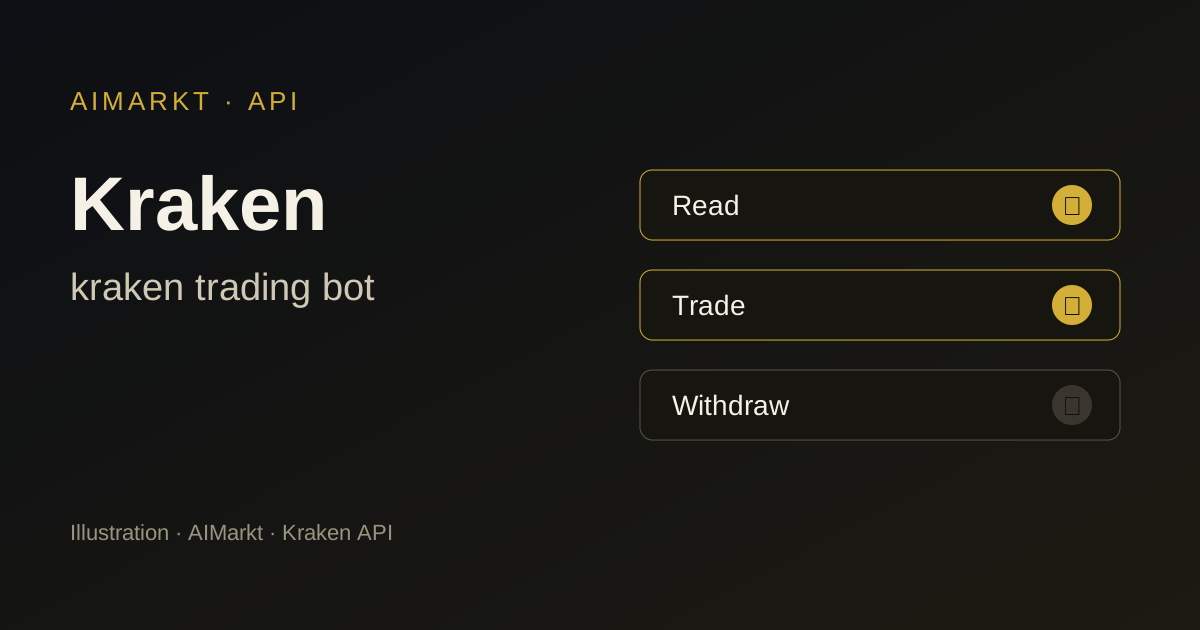
Kraken divides API permissions into separate options, such as querying balances, querying open and closed orders, creating and modifying orders, and cancelling orders. Leave withdraw funds and deposit funds disabled. This lets the bot trade but not move funds.
Nonce window, expiry date and IP restrictions
On Kraken, you set a nonce window, an expiry date and permitted IP addresses for each key. An IP restriction using your bot’s addresses makes a leaked key unusable. Our Kraken API guide shows the settings.
Points to consider on Kraken
API request limits
Kraken limits how many API requests an account can make within a given period. A bot placing too many small orders will reach that limit. More orders do not mean more profit either; higher AIMarkt models are designed for better selection, not more trades.
Check supervision for your country
Kraken serves European customers through a European entity. Check the ESMA register and information from FSMA or AFM, and read which products Kraken offers in your country.
Which AIMarkt model suits Kraken?
Nova — 1.500 USDT
Nova scans 1 market, for example BTC/EUR.
Orion — 3.000 USDT
Orion scans 3 markets at once, for example BTC/EUR, ETH/EUR, SOL/EUR.
Titan — 5.000 USDT
Titan scans 5 markets at once, for example BTC/EUR, ETH/EUR, SOL/EUR, XRP/EUR, ADA/EUR.
Apex — 10.000 USDT
Apex scans 10 markets at once, for example BTC/EUR, ETH/EUR, SOL/EUR, XRP/EUR, ADA/EUR, DOT/EUR, LINK/EUR, LTC/EUR, ATOM/EUR, DOGE/EUR.
Sovereign 24/7 — 20.000 USDT
Sovereign 24/7 scans unlimited markets across your connected platforms.
Kraken suits those who want to use euro pairs and value a long track record. Nova follows one pair, Orion three; if you want to combine spot and futures, a higher model with more automation and fixed rules for each environment is more suitable.
Getting started with a Kraken trading bot
- Choose your robot and support plan.
- Enter your details and select Kraken as your exchange.
- Confirm the terms and risks, pay in crypto and email your proof of payment to onboarding@aimarkt.be.
- You get client-area access within 48 hours of approval and payment; your custom robot is ready within 7 working days. You create the API key without withdrawal rights yourself, following the installation instructions.
Kraken trading bot: frequently asked questions
Which Kraken API permissions does the bot need?
Querying balances and orders, creating and modifying orders, and cancelling orders. Withdrawal and deposit permissions remain disabled.
Does the bot work on Kraken Futures?
Only if this has been agreed for your configuration, because Kraken Futures uses separate keys. Leverage increases risk, and you set it yourself.
What happens if Kraken has an outage?
During an outage, the bot cannot place or cancel orders. Open positions remain open, which is why stop-loss rules and monitoring are part of every configuration.
Further reading
- Step-by-step guide: Kraken API tutorial for automated trading with a bot
- Crypto trading bot
- All markets
- All exchanges
Other exchanges
Sources
Illustration; not a screenshot of Kraken and not a trading result. AIMarkt is not affiliated with Kraken; trademarks belong to their owners. Trading carries a risk of loss and AIMarkt does not provide financial advice.