
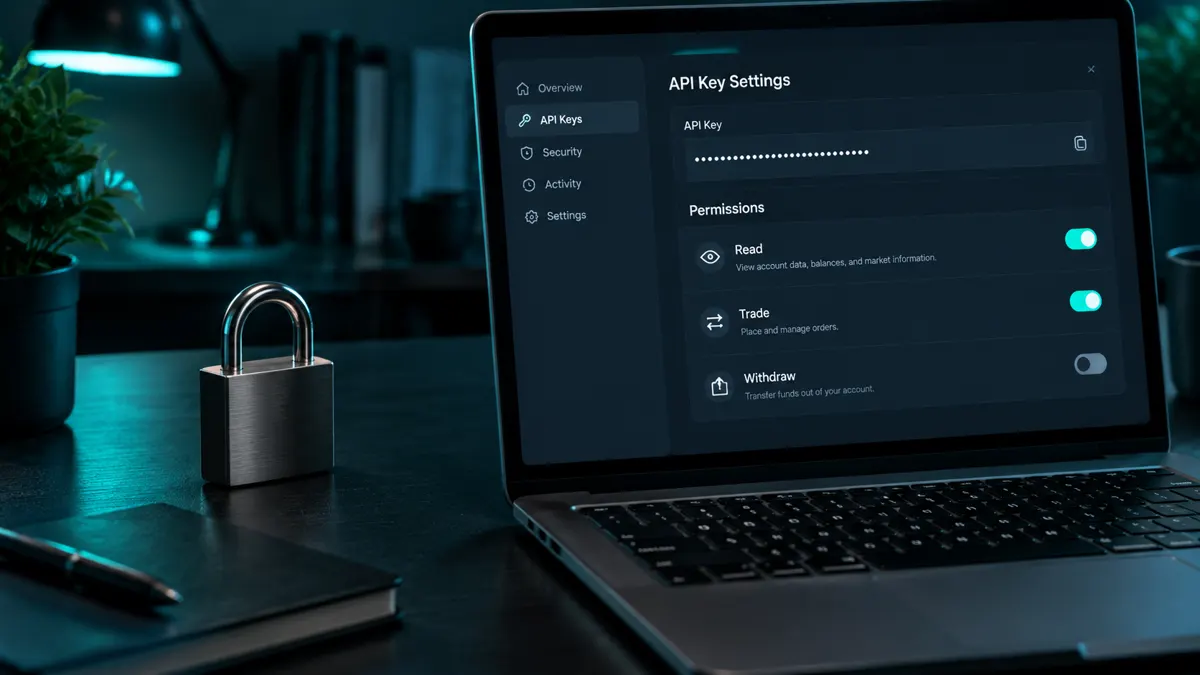
Illustrative trading workspace, not a product or performance screenshot
Where do you create a Binance API key?
Log in to Binance, open your profile and choose API Management. Click ‘Create API’, select system-generated and confirm with security verification. Menu names can change; always follow Binance's current help page. Create a separate key per bot or service so you can revoke one connection without affecting others.
Which permissions should a trading bot get on Binance?
‘Enable Reading’ is on by default. Also enable ‘Enable Spot & Margin Trading’, or futures if your robot uses that market. Leave ‘Enable Withdrawals’ and universal transfers off. Never enable withdrawals: a bot does not need them to place orders. Your balance stays on your own Binance account and software cannot send it elsewhere.
IP whitelist, storage and revocation
Choose ‘Restrict access to trusted IPs only’; Binance requires IP restriction for sensitive permissions and strongly recommends it for trading keys. Share the secret only through the agreed encrypted channel, never in a public chat or screenshot. If in doubt, delete the key and create a new one; the bot stops trading immediately.
Connecting an AIMarkt robot
After payment and approval you hand over the key following the onboarding instructions. AIMarkt first checks that balances and markets are readable and that a small order appears correctly. Nova scans one market, Orion three, Titan five, Apex ten and Sovereign unlimited; the connection itself is identical.
Checks before proceeding
- Withdrawals are disabled.
- An IP whitelist is set where the exchange allows it.
- You know how to revoke the key.
- Two-factor authentication is on.
Worked example
You connect a Binance account holding 1,000 USDT. A 10 USDT test order appears in your order history. That proves a working connection, not that the strategy is profitable.
Binance trading bot
Sources and limitations
These articles use AIMarkt package terms and general execution explanations. Examples are illustrative, not customer results. No independent performance report or proof of every platform feature is published here. Consult official platform documentation and the FCA for UK rules. Translation does not establish permission to provide services in the UK.